Product Photography Background: What to Use and How to Shoot It
The best product photography background is plain white for your main image, with a simple lifestyle or colored scene on the supporting shots. White meets marketplace rules and keeps your catalog consistent, while other backgrounds add context and mood. Here’s how to choose one, build one cheaply and fix it in an editor.
White, lifestyle or colored: which background should you use?
Use a white background for product photography on your main image. It keeps attention on the product and matches how shoppers compare items in search results. Use lifestyle scenes on later images to show scale and use, and a solid color when your brand has a strong identity.
60% of US consumers said a product shown in a lifestyle context was more likely to capture their attention than one on a plain white background. So use both: white to inform, lifestyle to attract.
Source: Nfinite, 2022 State of Online Shopper Sentiment survey, 1,000 US consumers



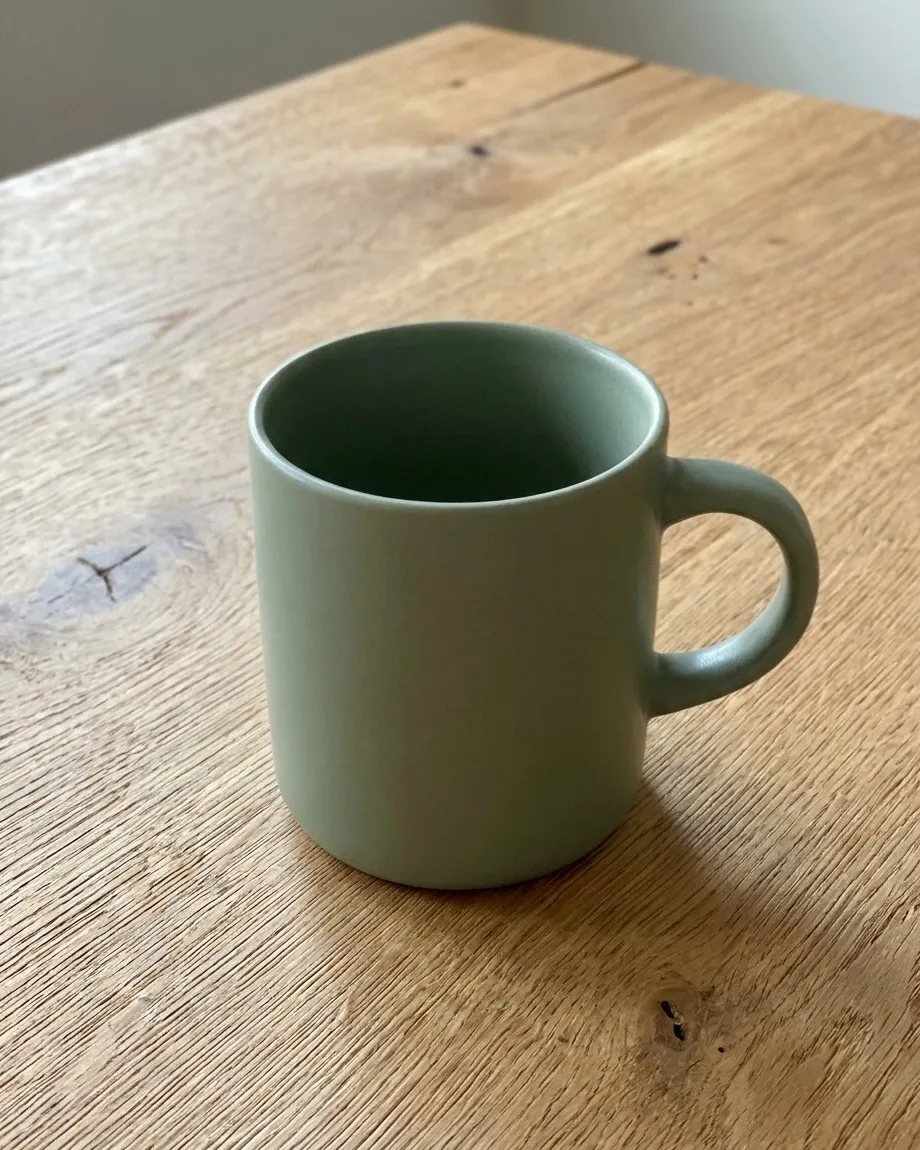
Marketplace rules for your product photography background
Marketplaces are stricter than your own store, so start with their rules.
- Amazon: the main image needs a pure white background (RGB 255, 255, 255), a product that fills 85% or more of the frame, and at least 1,000 pixels on the longest side so shoppers can zoom.
- Google Merchant Center: use a solid white or transparent background, show the whole product at roughly 75 to 90% of the image, and skip watermarks, logos and promotional text. The minimum is 500 x 500 pixels, and 1,500 or more is recommended. Lifestyle shots go in a separate lifestyle image field.
87% of US consumers say high-quality product imagery is essential when buying online.
Source: Nfinite, 2022 State of Online Shopper Sentiment survey, 1,000 US consumers
Cheap product photography backdrops you can make at home
White foam board or poster board. Curve it from the wall to the table so no seam shows. This is your main image backdrop.
Matte paper or fabric. Use it for colored backgrounds and steam out any wrinkles. Glossy materials add glare and color spill.
Everyday surfaces. A wooden table, tile, or marble-look contact paper on a board makes a believable lifestyle scene at almost no cost.
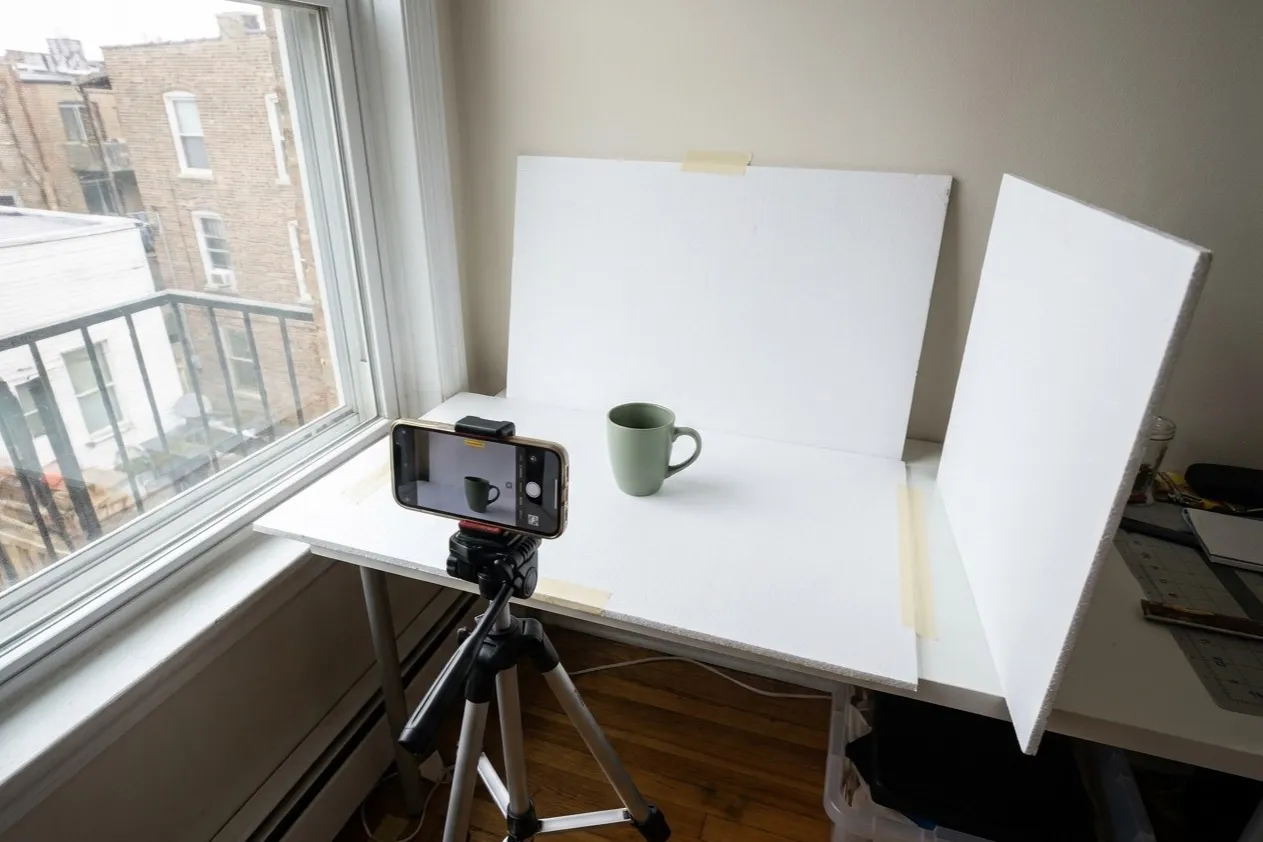
For lighting and camera settings, see our guide to a DIY product photography setup.
Best background for product photos, by product type
| Product | Main image | Supporting images |
|---|---|---|
| Jewelry, small items | White, soft shadow | Dark or textured surface |
| Apparel | White or on model | Outdoor or studio color |
| Food and drink | White | Wood, stone, kitchen |
| Furniture | White cutout | Staged room |
| Cosmetics | White | Bold brand color |
| Glass, reflective | White, edges lit | Dark gradient |
Common background mistakes
- Gray instead of white. An underexposed backdrop looks dingy and can fail marketplace checks.
- Wrinkles and seams. Steam them or edit them out.
- Color spill. Colored backdrops reflect onto shiny products, so move the product farther from the backdrop.
- Busy scenes. If shoppers notice the background first, simplify.
- Mixed styles. Different backgrounds across one category make a store look unfinished.
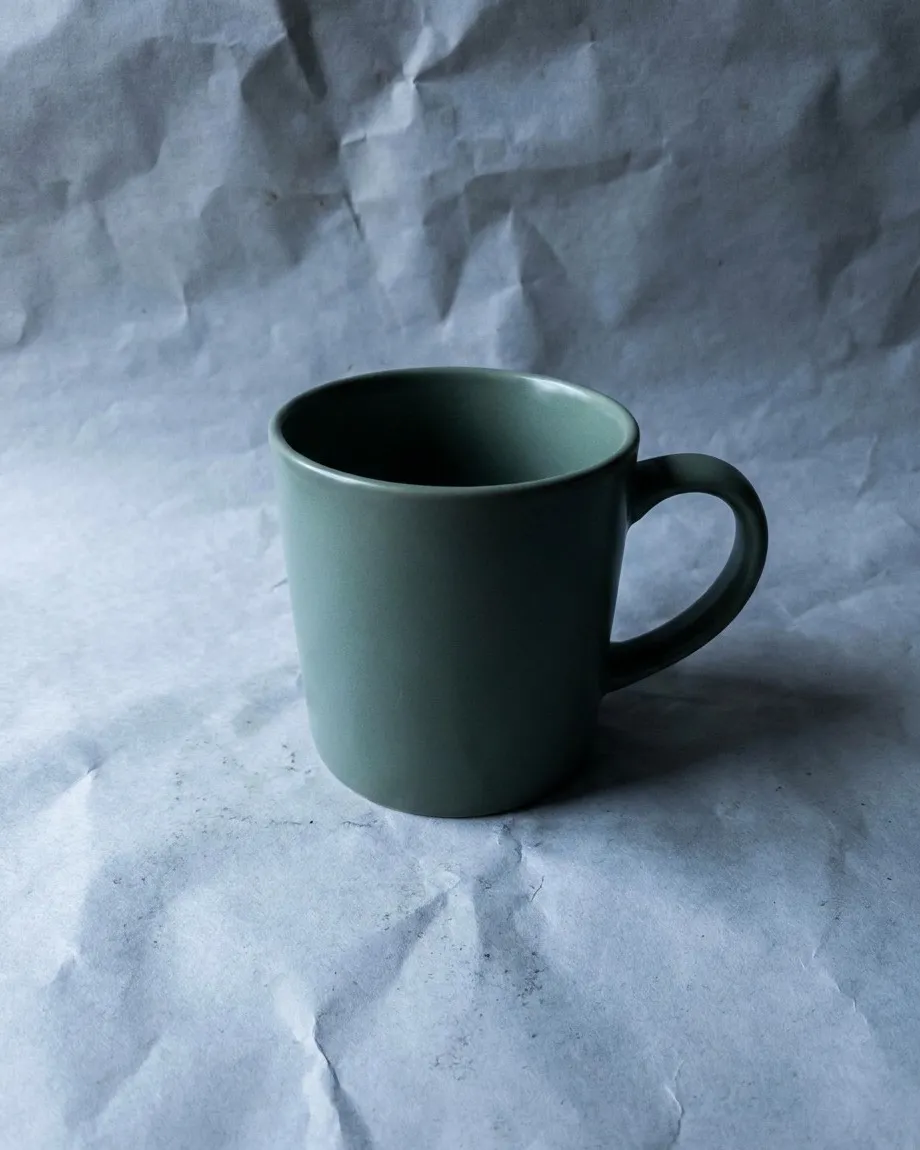
What to do with the background in an editor
Remove or clean it. Use a one-click background remover or a selection tool, and keep the product edges soft.
Set the white point. Use Levels or Curves until the eyedropper reads 255, 255, 255 on the background, and keep a light shadow so the product doesn’t look like it’s floating.
Export for the web. Convert to sRGB and save as a compressed WebP or JPEG.
Once your backgrounds are consistent, move on to the rest of your product page optimization.
A background should never compete with the product. If a shopper remembers the backdrop before the item, the photo has failed.

About Patrik Vavrovič
Key takeaways
Use a plain white background for your main image and lifestyle or colored backgrounds for supporting images.
Amazon requires a pure white main image (RGB 255, 255, 255), and Google Merchant Center asks for a solid white or transparent background.
White foam board, matte paper and everyday surfaces make cheap, effective backdrops.
Fix gray, wrinkled or color-tinted backgrounds during the shoot first, then set the white point in an editor.